
Contractor estimate template
Basement finish.
Find the free quotation template that fits your trade, file type or country, then fill it in online or download it and send it today.
Quote templates for business, sorted by trade. Each one has a typical scope, example prices and the lines that trade usually quotes. Prices are examples, so swap in your own rates.
Basement finish.
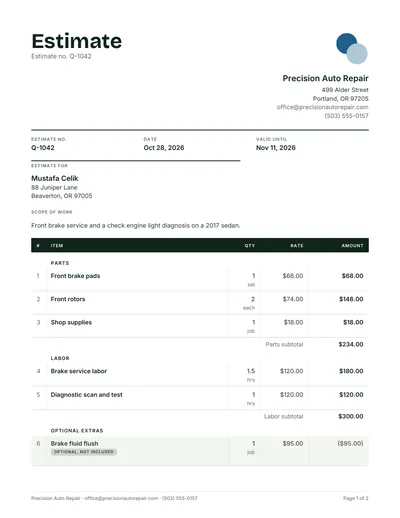
Front brake service and a check engine light diagnosis on a 2017 sedan.

Single story rear extension.

Replaster the living room ceiling and patch three walls after rewiring.

Strip and replace asphalt shingles on a 22 square gable roof.
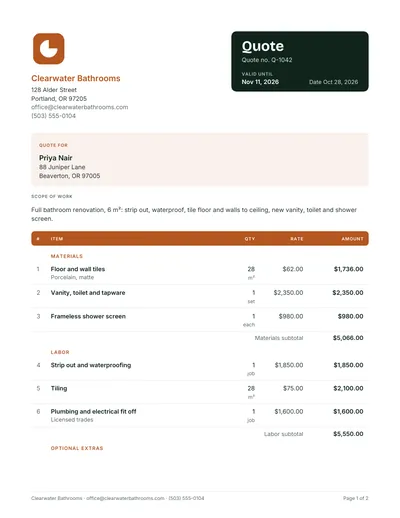
Full bathroom renovation.

Design a family living room and dining area.

Shopfront sign.
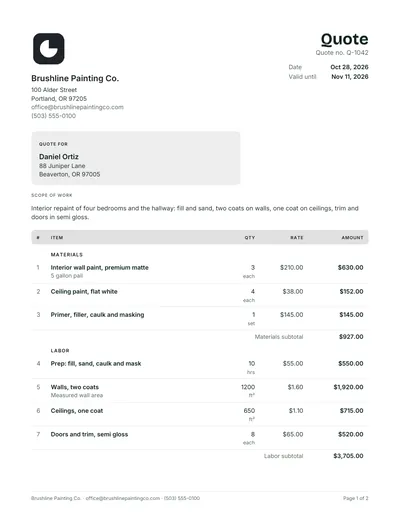
Interior repaint of four bedrooms and the hallway.

Build a 24 m² hardwood deck with two steps and a natural oil finish.

Kitchen rewire.
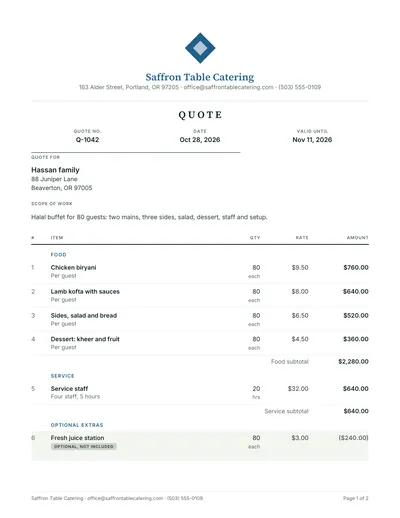
Halal buffet for 80 guests.

Clean gutters and downspouts on a two story house.
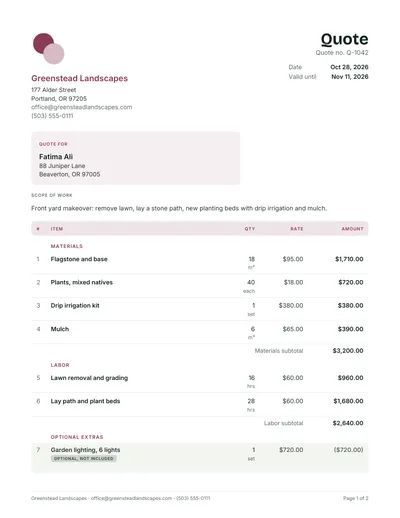
Front yard makeover.

Kitchen renovation.

Weekly commercial clean of a 220 m² dental office.

New concrete paver driveway.
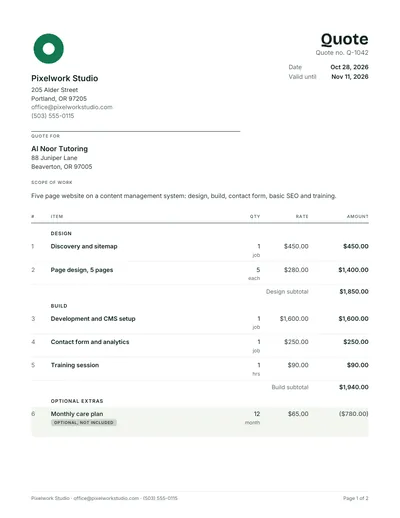
Five page website on a content management system.

Replace a 50 gallon water heater.

Tile a 14 m² laundry and entry floor with 600 x 600 porcelain.

General pest treatment for a cafe kitchen and dining area with a follow up visit.
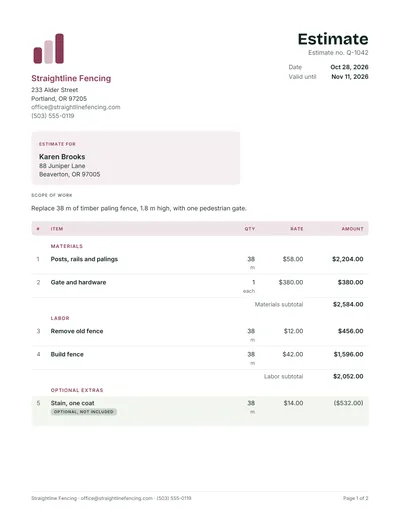
Replace 38 m of timber paling fence.

Built in shelving and cabinets for a study wall.

Open up the kitchen and living wall.

Brand identity.
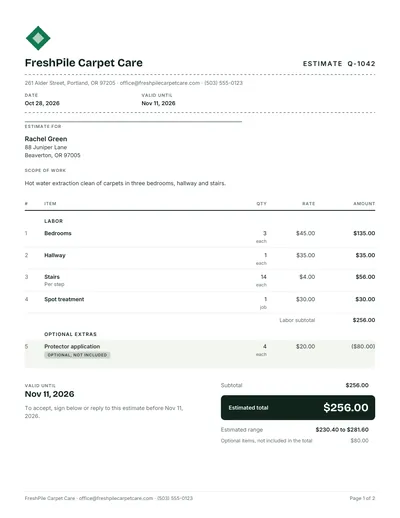
Hot water extraction clean of carpets in three bedrooms.

Print run for a trade show.

Supply and install a 3 ton heat pump split system with new line set.

List of small jobs.
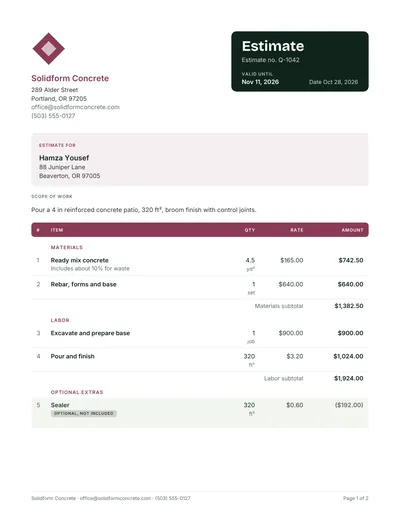
Pour a 4 in reinforced concrete patio.

Install 650 ft² of luxury vinyl plank through living areas.

Pressure wash the driveway.

Weekly mowing.
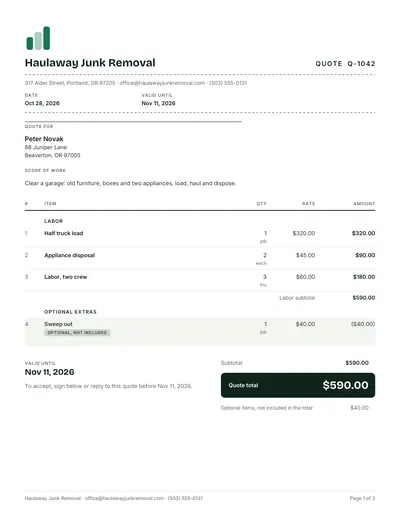
Clear a garage.

Remove one 40 ft dead oak near the fence.

Move a two bedroom apartment across town.
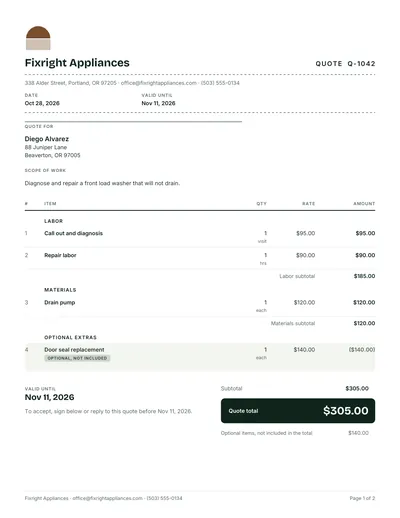
Diagnose and repair a front load washer that will not drain.

Inside and outside window clean for a two story office.
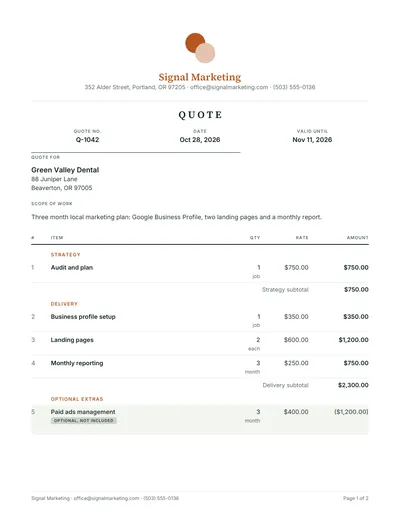
Three month local marketing plan.

Fee proposal for a two story home addition.

Fabricate and install a steel stair handrail.

Office network refresh for 12 users.

Supply and install a 6.

Install a 6 camera CCTV system with a network recorder.

Replace two cracked double glazed units and reseal a sliding door.

Rekey all exterior locks after moving in.
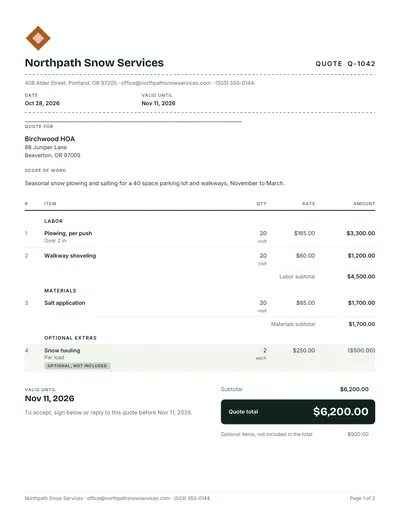
Seasonal snow plowing and salting for a 40 space parking lot and walkways.
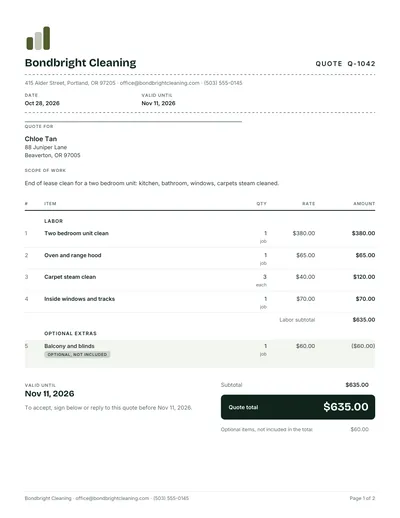
End of lease clean for a two bedroom unit.

Same day courier runs between two clinics.
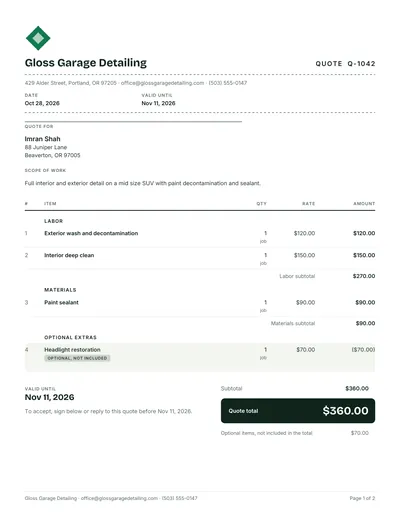
Full interior and exterior detail on a mid size SUV with paint decontamination and sealant.

Build a delivery tracking web app.
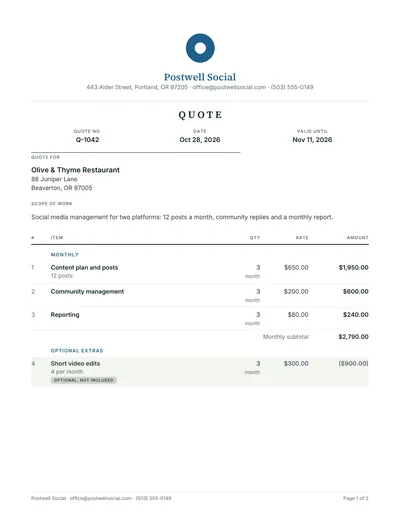
Social media management for two platforms.

Operations review.
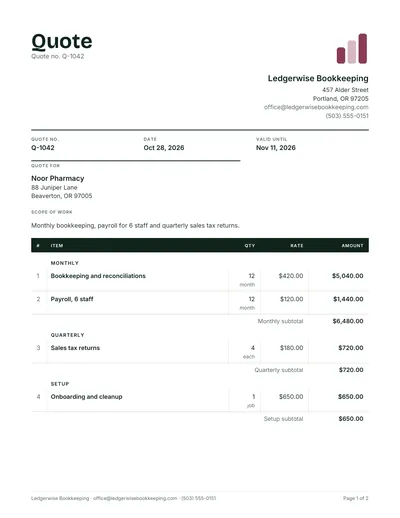
Monthly bookkeeping.

Translate a 12,000 word product manual from English to Arabic.
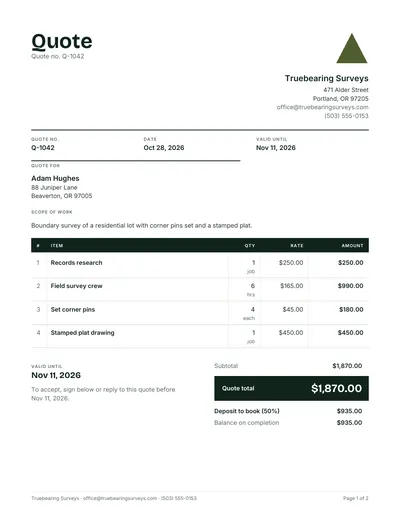
Boundary survey of a residential lot with corner pins set and a stamped plat.
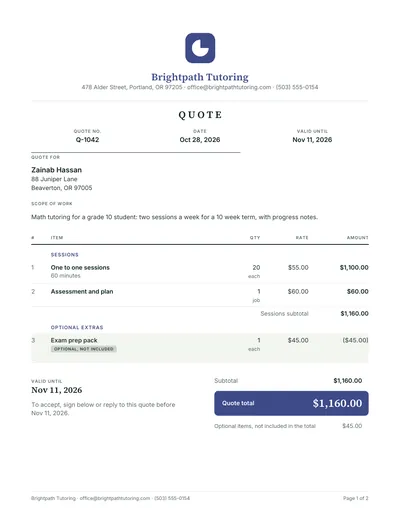
Math tutoring for a grade 10 student.

Twelve week strength program.

Build a 12 m long.

Demolish a single story timber garage.

Excavate for a new house slab.

Insulate the ceiling and underfloor of a 140 m² home.
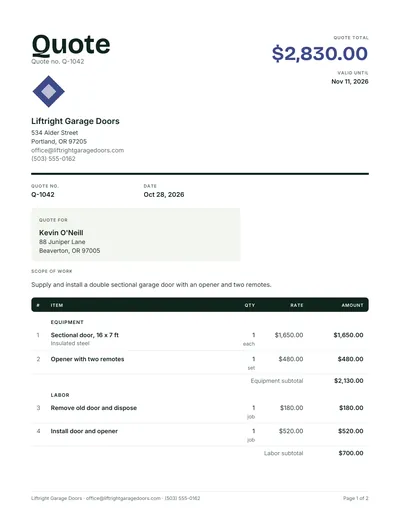
Supply and install a double sectional garage door with an opener and two remotes.

Waterproof a 26 m² rooftop balcony.

Erect scaffolding to the front and one side of a two story house for eight weeks.

Custom built in wardrobe.

Reupholster a three seat sofa and two armchairs in a woven fabric.

Tow a non running sedan 45 km to a workshop.
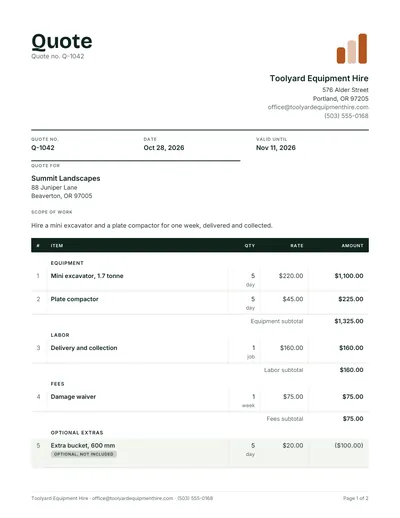
Hire a mini excavator and a plate compactor for one week.

Structural design for a two story timber frame house.

Fixed fee to prepare a commercial lease review and a shareholder agreement for a small.

Recruit a warehouse supervisor.
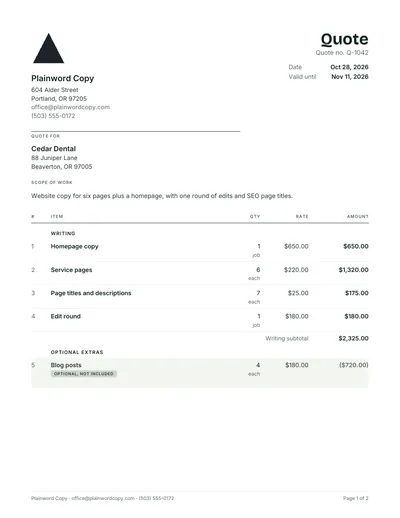
Website copy for six pages plus a homepage.

Virtual assistant support.

Six month SEO program.
The same quote structure in the file type you prefer. Excel versions add up the lines, tax and deposit with formulas.

Edit every line in Word, with the totals already worked out.

Formulas add up lines, tax and deposit as you type.

A clean PDF quote to print, fill by hand or keep as a guide.

Open the Word file in Google Docs and make a copy.

The Excel file with formulas that work in Google Sheets.
From a blank quote template to a full professional layout with scope, exclusions and signature lines.

For work priced by the hour, the day or the project.

A company quote with your details, terms and acceptance.

A short priced offer for goods or a fixed job.
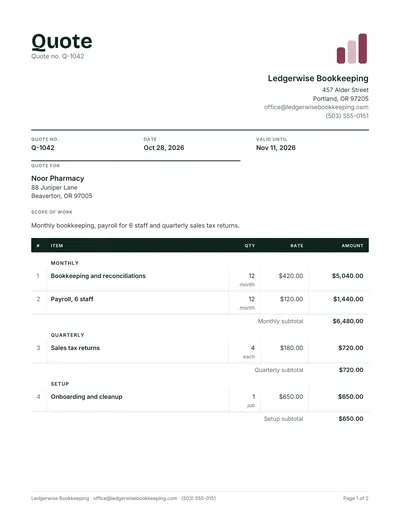
A one page sheet of items, rates and totals.

Products, quantities, unit prices and delivery.

Only the parts a customer needs to say yes.

Scope, exclusions, deposit and signature lines.

Empty and editable, ready for any job.

Sized for A4 and US Letter, prints cleanly in black.

A bold layout with the total at the top.
Everything around the quote: the letter that goes with it, the change order when the job grows, and the invoice when they say yes.
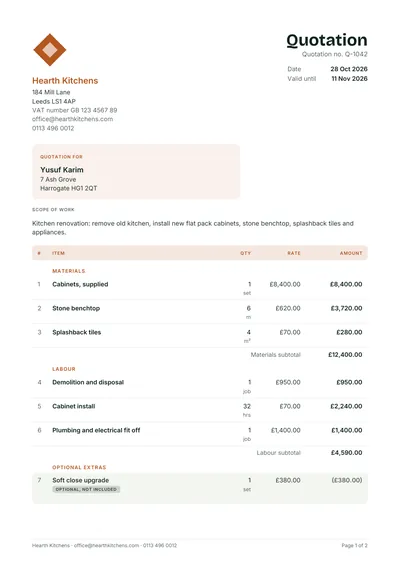
A finished quotation for a kitchen job, to copy the layout.

The cover letter and email to send with your quote.

A request for quotation to send to your own suppliers.
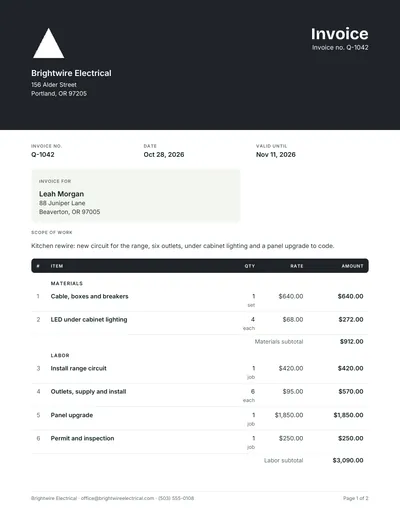
Turn an accepted quote into an invoice with the same lines.
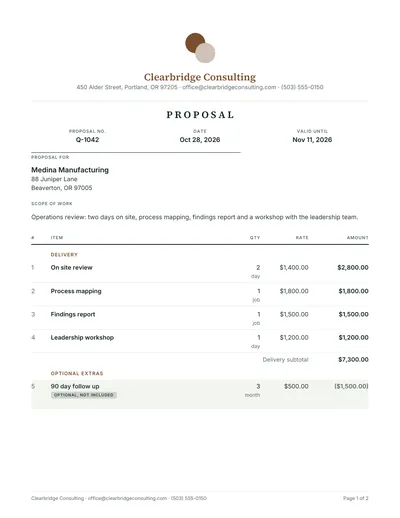
A short proposal with your approach, timeline and price.

Price a change to an accepted quote before you do it.
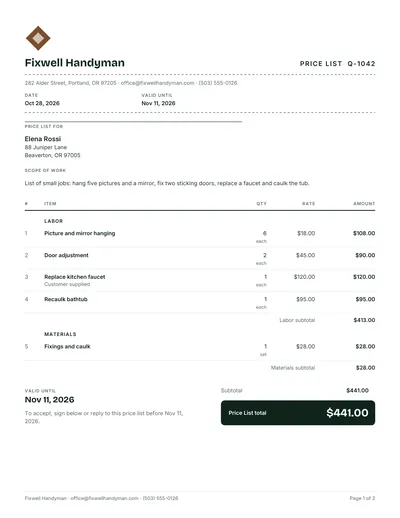
Your standard services and prices on one page.

Hourly, day and project rates, clearly set out.

A free estimate form with a low to high range.
Quote or quotation, GST or VAT, and the consumer rules on quotes, checked against official sources.

Quote wording, tax and the consumer rules on quotes in Australia.
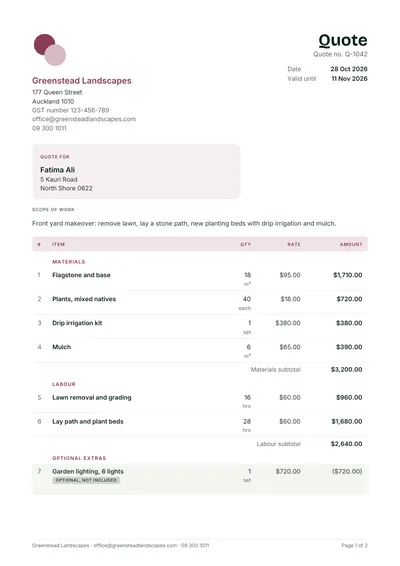
Quote wording, tax and the consumer rules on quotes in New Zealand.
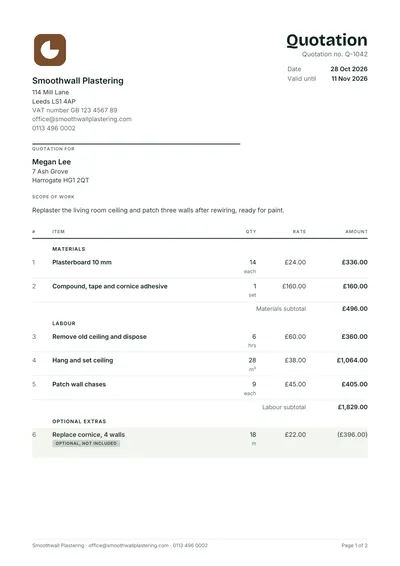
Quotation wording, tax and the consumer rules on quotes in United Kingdom.
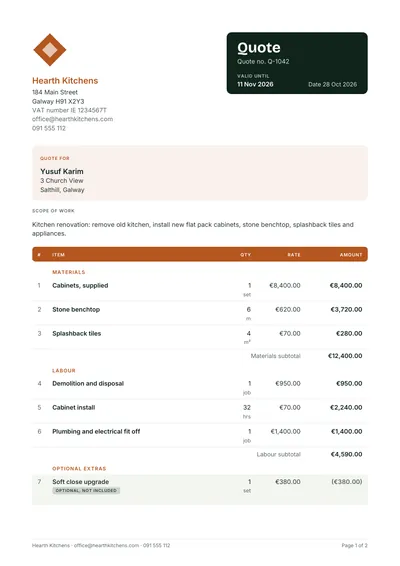
Quotation wording, tax and the consumer rules on quotes in Ireland.

Estimate wording, tax and the consumer rules on quotes in United States.

Estimate wording, tax and the consumer rules on quotes in Canada.

Quotation wording, tax and the consumer rules on quotes in India.

Quotation wording, tax and the consumer rules on quotes in Singapore.
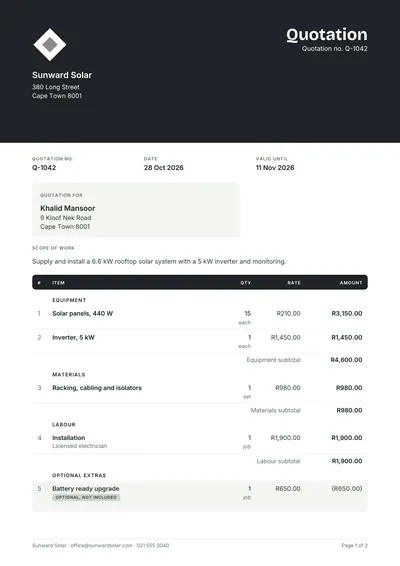
Quotation wording, tax and the consumer rules on quotes in South Africa.

Quotation wording, tax and the consumer rules on quotes in UAE.
No templates match that search. Try a trade such as plumbing, or a format such as Word.
Every template here follows one structure, the one our quotation format guide explains part by part.
Start with your trade if it is listed: the sample lines show how that work is usually priced, so you only change the numbers. If you keep quotes in a spreadsheet, take the Excel quote template, which does the sums for you. If you send quotes from a phone, skip the files and use the online quote maker, which keeps your details in the browser and makes the PDF in a second.
Working on estimates rather than fixed prices? The estimate templates show a low to high range, and the quotation samples show finished quotes.
Short answers first. Something missing? Ask us.
Yes. Every template is free to use for your business, with no sign up and no watermark. Files are sent by email so you always get the latest version, and the online quote maker needs no email at all.
Nothing but the word. Quotation is the more formal term and is common in the UK, India, Singapore, South Africa and the UAE. Quote is usual in the US, Canada, Australia and New Zealand. Our templates switch the title when you pick your country.
Yes. Open the Word file in Google Docs or the Excel file in Google Sheets, then choose File, Make a copy. The Sheets version keeps its formulas. See the Google Sheets quote template for the steps.
The files have a tax rate cell you can set to your GST, VAT or sales tax rate, or zero. In the quote maker, picking your country sets the tax name and rate for you.
In the quote maker you can drop in a PNG or JPG logo and it is kept in your browser for next time. In the Word and Excel files, replace the logo box with your own image.
Every quote template and the quote maker are free. Want your quotes sent, followed up and turned into invoices for you? WhizInvoice does that on the Starter plan, and you can start free.