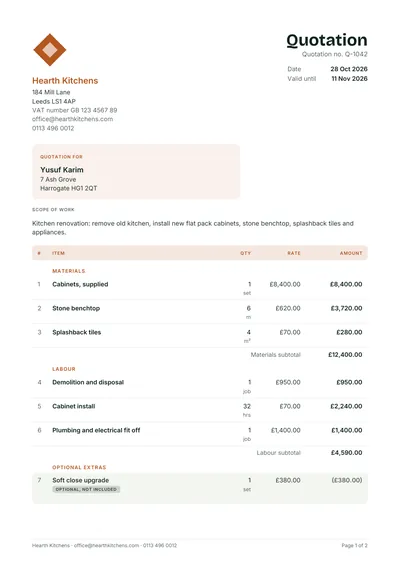
Contractor estimate
Allowances, phases and a range for remodels
Some costs you cannot know until the job starts. Give customers the planned work, the expected cost line by line, a range for the unknowns and how long the figure holds.

Each trade template has sample lines and example prices for that kind of work. Open one in the estimate maker or get it as a file.
Allowances, phases and a range for remodels
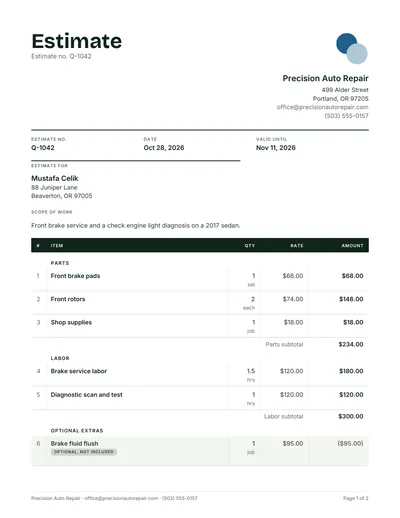
Parts, book hours and diagnostic time

Extensions and new builds to lock up

Squares, tear off and decking allowances

Equipment, ductwork, start up and permits

Cabinets, counters and trade fit off

Small jobs by the hour or by task
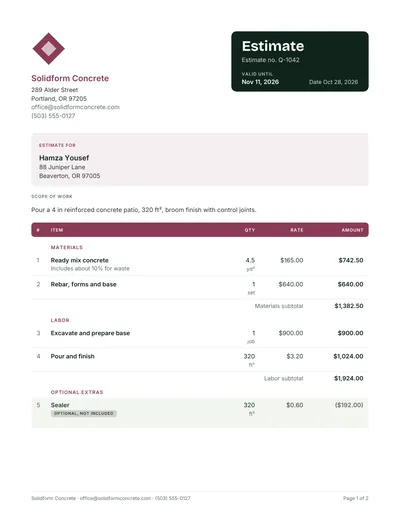
Cubic yards, forming, finish and pump

Square feet, waste factor and prep
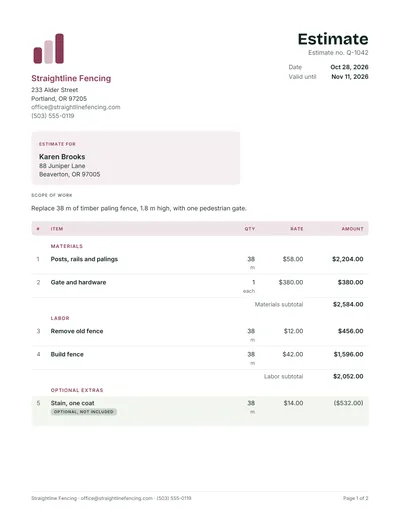
Linear feet, posts, gates and removal

Layout, substrate prep and grout

Sheets, finish level and patching

Per visit and seasonal programs

Square footage, surfaces and access
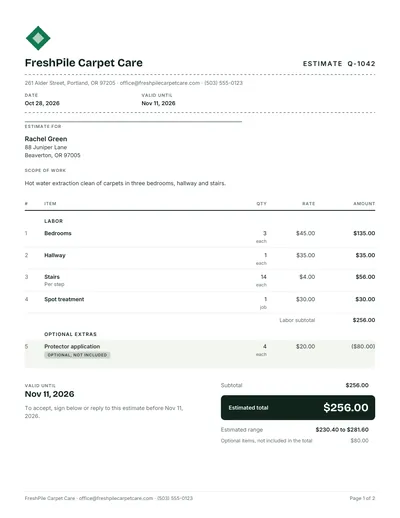
Rooms, stairs and stain treatment

Make the estimate in your browser instead
A free estimate template gives every job estimate the same clear layout: what you plan to do, the expected cost line by line, a range for the unknowns and how long the figure holds. Download the general version in Word, Excel or PDF, pick a trade below, or build the estimate online with the free estimate maker.
A job estimate form has the same skeleton as a quote, with three differences: it is titled Estimate, it can show a range instead of one figure, and it states what could change the price. Everything else, from your details to the line items, stays familiar to the customer.
Send an estimate when you are giving a best guess that may move, and a quote when you are committing to a price. Using the right document protects you: a quote is often treated as a firm offer, while an estimate tells the customer the final figure can change.
| Situation | Send |
|---|---|
| Repair where the cause is not yet known | Estimate with a range |
| Renovation of an older home | Estimate, then a quote after opening up |
| Defined job you have measured and inspected | Quote |
| Customer comparing several businesses on price | Quote, with clear exclusions |
The quote vs estimate guide covers the wording, and the quote templates are ready when you need a fixed price.
The free download comes in three files. The Word version suits estimates with long notes and assumptions. The Excel version multiplies quantity by rate on every line and adds up the subtotal, tax and total for you, which matters when an estimate runs to dozens of lines. The PDF is for printing and filling in on site.
To use the Word file in Google Docs, or the Excel file in Google Sheets, upload it and choose File, then Make a copy. The formulas keep working in Sheets. If you would rather not edit a file at all, the estimate maker builds the same estimate in your browser and adds the low to high range automatically.
Fill the template from the top down and finish with the parts that protect you: the assumptions and the validity. An estimate that explains how it was built is far easier to defend if the final cost moves.
For pricing the lines, read how to price a job and how to write an estimate.
Yes. Every form here is free to use for your business, with no sign up and no watermark. Files arrive by email, and the online estimate maker needs no email at all.
It is a ready made layout for estimating a job: your details, the customer, the scope, line items with quantities and rates, an estimated total and the terms. Filling in a template keeps every estimate consistent and complete.
Yes. Open the Word file, replace the sample text with your own and save it as a PDF to send. The table rows can be copied to add more lines.
Yes. Each line multiplies quantity by rate, and the sheet adds the subtotal, tax at the rate you enter and the total. You only type the quantities, units and rates.
An estimate is usually treated as a guide rather than a fixed price, but the rules differ by country and by the wording you use. See is a quote legally binding and your country page.
Every quote template and the quote maker are free. Want your quotes sent, followed up and turned into invoices for you? WhizInvoice does that on the Starter plan, and you can start free.