WhizQuote

Quotation Maker: Free Quote Maker for Business

Make a professional quote for any job in your browser, with optional extras, a deposit and a valid until date. Download the PDF or email it to yourself. Free, with no sign up.

Saved in this browser
Add your logoPNG, JPG or WebP, up to 10 MB
EIN
Quote no.
Quote total$0.00
Date
Valid until
14 days
Reference
Quote for
1
$0.00
Materials subtotal$0.00
2
$0.00
Labor subtotal$0.00
Valid until
Nov 11, 2026

To accept, sign below or reply to this quote before Nov 11, 2026.

Subtotal$0.00
Discount
Quote total$0.00
Deposit to book
Page 1
Total$0.00

Email me this quote

We will send the PDF to your inbox, so you can forward it to your customer.

The PDF is made in your browser and sent once. See our privacy notice.

Saved quotes

The last 20 quotes you downloaded, kept in this browser only.

Your customer’s view

Quote designs that look finished before you type a word.

Your prices stay on this page.

The editor, the sums and the PDF all run in your browser. We never see your customers, your rates or your margins. If you press Email me, the PDF goes to WhizInvoice only to deliver that email to you.

How we handle your data
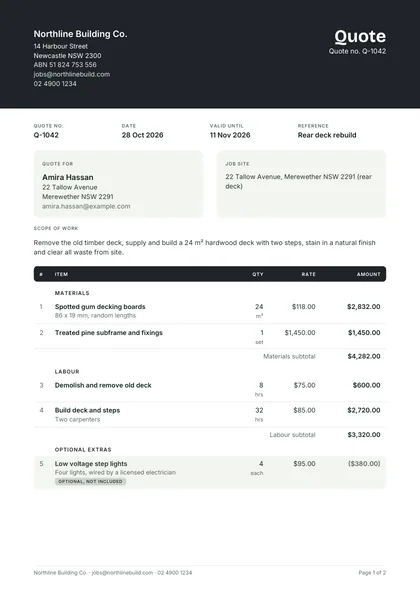
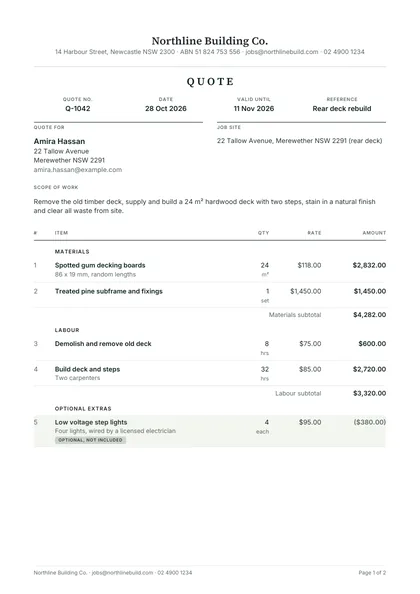
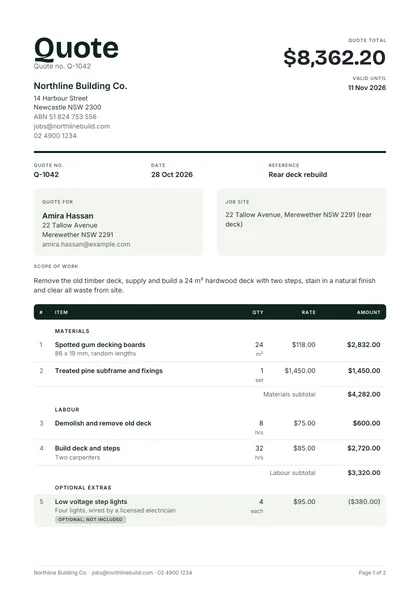
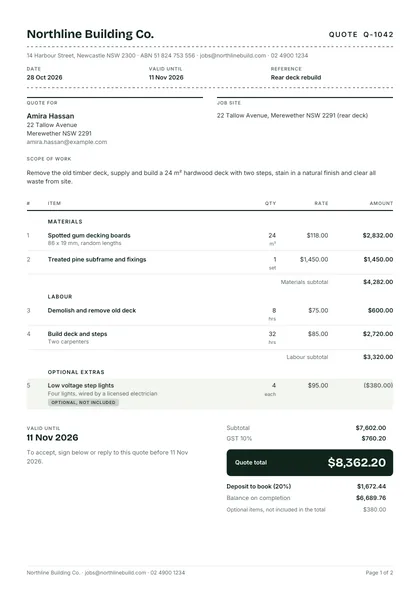
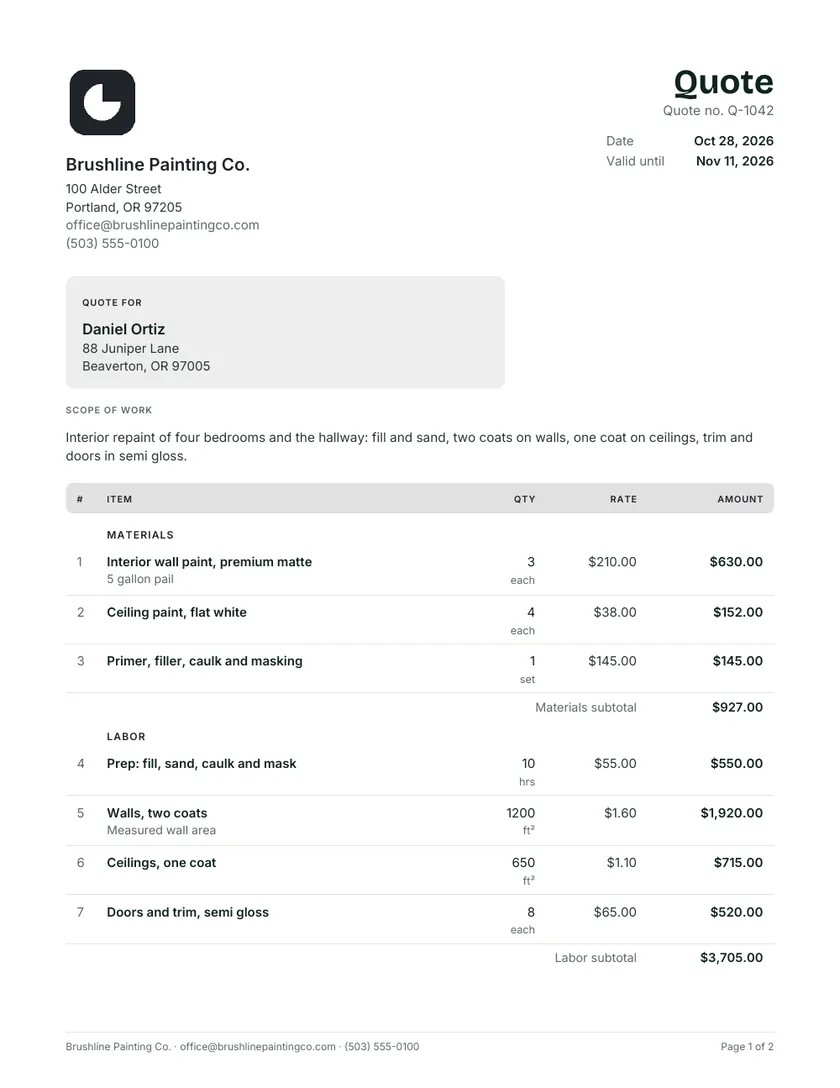
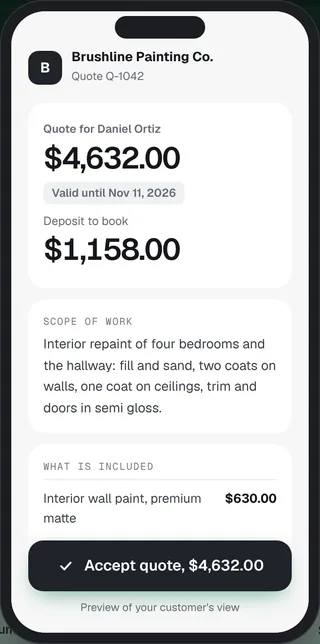
A painting quote made in WhizQuote, downloaded as a PDFThe same quote on the customer's phone, with the total, the valid until date and an Accept button

A quote your customer can say yes to from a phone.

Every quote downloads as a real PDF made in your browser. Before you send it, preview what your customer sees: the total first, then the date it holds until, the deposit and the extras they can tick.

Valid until
Printed on the quote and flagged in the last three days
Deposit
A percent or an amount, with the balance due on completion
Extras
Shown apart and left out of the total until chosen
Acceptance
Signature, name and date lines on every PDF
Paper
A4 or US Letter, with selectable text and embedded fonts
Branding
Your logo and colour. No watermark and no advert

Make a quote in four steps, on a laptop or a phone.

  1. Add your business and the customer

    Click your business name on the paper and type. Your details, logo and design are remembered in this browser for the next quote.

  2. Describe the job and list the items

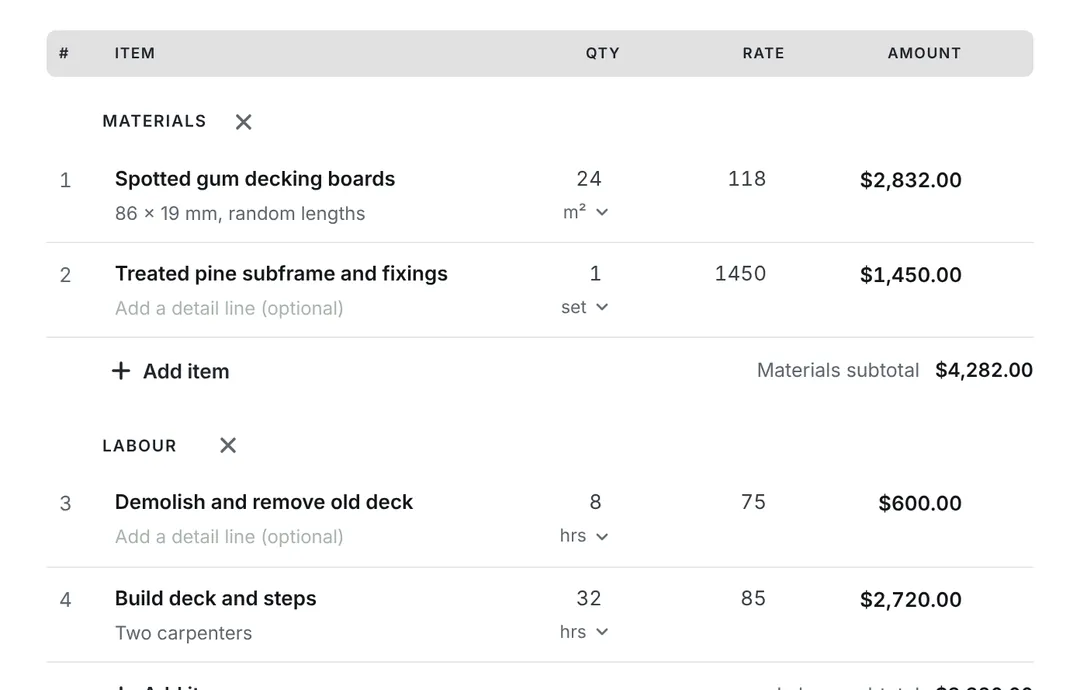
    Write the scope of work, then add lines in groups such as Materials and Labour, each with a unit: hrs, m², each or day.

  3. Set tax, the deposit and the valid until date

    Choose your country for the right GST, VAT or sales tax. Add a deposit to book, and mark extras the customer can tick.

  4. Download, print or email the PDF

    A real PDF with selectable text in A4 or US Letter. Print it, or email it to yourself and forward it to the customer.

Add your business and the customer in the WhizQuote quote maker
Describe the job and list the items in the WhizQuote quote maker
Set tax, the deposit and the valid until date in the WhizQuote quote maker
Download, print or email the PDF in the WhizQuote quote maker

Every part of a business quote, and why it is there.

The quotation format that works for trades and services in every country. Point at a part to see where it sits on the page.

  1. 1Your business

    Name, address, tax number and contact details, so the customer knows who stands behind the price.

  2. 3Quote for and job site

    The customer, and the address where the work happens when it differs.

  3. 4Scope of work

    Two or three sentences on what you will do. It decides what is in and out of the price.

  4. 8Exclusions, terms and acceptance

    What is not included, how changes are priced, and lines to sign and date.

  1. 2Quote number and dates

    A unique number, the issue date and the valid until date that limits how long the price holds.

  2. 5Itemised lines in groups

    Materials and labour, each with a quantity, unit and rate. Optional extras sit apart, out of the total.

  3. 6Tax and the quote total

    Subtotal, discount, GST or VAT by rate, then one clear total.

  4. 7Deposit to book

    What you need up front to hold the date, and the balance on completion.

Example only: the business and the numbers are made up.

Read the full quotation format guide

What changes on a quote in ten countries.

Pick your country in the quote maker and the title, tax and paper follow. Each country page covers the consumer rules on quotes, from official sources.

How quotes differ in 10 countries
CountryUsual titleTax on the quoteStandard rateBusiness ID shownPaper
AustraliaQuoteGST10%ABNA4
New ZealandQuoteGST15%GST numberA4
United KingdomQuotationVAT20% (5% and 0% on some goods)VAT numberA4
IrelandQuote or quotationVAT23% (13.5%, 9% and 0% on some)VAT numberA4
United StatesQuote or estimateSales taxSet by state and cityEIN (optional)Letter
CanadaQuote or estimateGST or HST5%, or 13% to 15% HST by provinceGST/HST numberLetter
IndiaQuotationGST (CGST plus SGST, or IGST)18% common, also 5% and 40%GSTINA4
SingaporeQuotationGST9%GST reg. no.A4
South AfricaQuotationVAT15%VAT numberA4
UAEQuotationVAT5%TRNA4

Standard rates from each national tax authority. Some goods and services use other rates.

Quote maker questions

Short answers first. Need more detail? Read the guides or ask us.

Is this quotation maker really free?

Yes. The quote maker is free with no sign up, no watermark and no limit on how many quotes you make. It runs in your browser, so you can download the PDF, print it or email it to yourself straight away.

How do I make a quotation online?

Open the online quote maker at the top of this page, pick your country, then add your business, the customer and each line with its quantity and rate. Tax, totals and any deposit work themselves out, so you can make a quotation in a few minutes and download the PDF or email it. You can create a quotation online free as often as you need, with no account.

What should a business quote include?

A clear quote has your business details, the customer, a quote number and date, a valid until date, a short scope of work, itemised lines with quantities and rates, tax, the total, any deposit, what is excluded, your terms and a place to accept. Our quotation format page labels every part.

What is the difference between a quote and an estimate?

A quote is a fixed price for the work described, usually for a set time. An estimate is your best guess, which can change once the job starts. Use the estimate maker when you need to show a low to high range. More in quote vs estimate.

How long should a quote be valid for?

Most trades use 7, 14 or 30 days. Choose a shorter period when material prices move fast. The quote maker sets the valid until date for you, shows an amber Expires soon flag in the last three days, and prints the date on the PDF.

Is a quote legally binding?

In many countries an accepted quote can become a binding agreement for the work and price it describes, which is why the scope, exclusions and valid until date matter. Rules differ by country and by job, so read is a quote legally binding and get advice for large contracts.

How do optional items work?

Mark any line as optional from its menu. It stays on the quote, shaded and marked Optional, but it is left out of the total until the customer chooses it. Tick it to include it, and the total and deposit update at once.

Should I ask for a deposit?

A deposit protects you when you order materials or hold a start date. Add it as a percent or a fixed amount, and the quote shows the Deposit to book and the balance on completion. See how much deposit to ask for.

Can I add GST, VAT or sales tax?

Yes. Pick your country and the tax name, rate and wording follow it: GST in Australia, New Zealand, Singapore, India and Canada, VAT in the UK, Ireland, South Africa and the UAE, and your own sales tax rate in the US. Prices can be tax added or tax included.

Where is my quote saved?

In this browser only, in local storage on your device. We do not see your quotes. Clear your browser data and they are gone, so download the PDF of anything you need to keep.

Can I make a quote in Word or Excel instead?

Yes. Every quote template comes as Word, Excel and PDF, sent to your inbox free. The Excel quote template works out the totals with formulas.

How do I turn an accepted quote into an invoice?

WhizInvoice, from the same team, turns an accepted quote into an invoice in one click and tracks payment. Invoices are free and unlimited, and quotes come with the Starter plan. If you only need a one off invoice, use our sister site’s free invoice generator.

Send the quote while the customer is still keen.

Every quote template and the quote maker are free. Want your quotes sent, followed up and turned into invoices for you? WhizInvoice does that on the Starter plan, and you can start free.

Get this template by email

We will send the template to your inbox. Free, one email.

We only use your email to send this file. See our privacy notice.